Making a 3D game run on a work laptop
It ran smoothly on my Mac and lagged on a work laptop, which is what most people will play it on. The cause was not what I expected, and the fix halved the graphics work.
The complaint
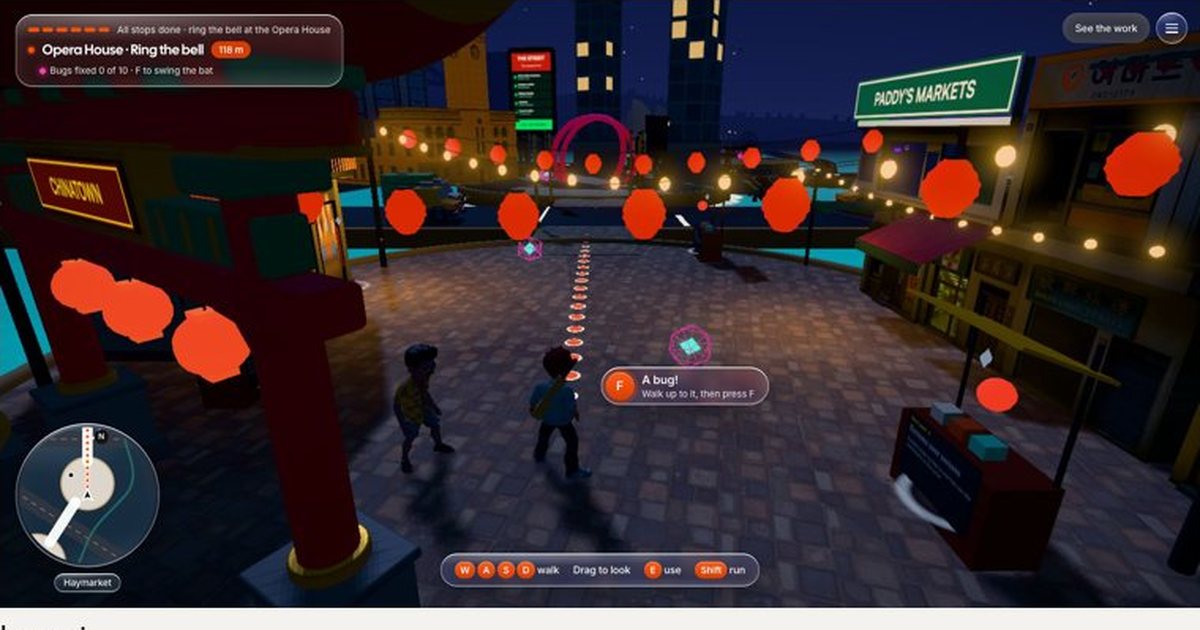
On a work laptop the game was slow and jerky. That matters more than anything else in this project: the people I want to play it, recruiters and hiring managers, open links on exactly that kind of machine.
What was actually wrong
Two things, and only one of them was obvious:
- Every computer started on the top quality level: up to one and a half times the pixels, an expensive shading pass, heavy glow and soft shadows.
- The game was meant to lower its quality when it struggled, but it judged “struggling” against the best frame rate it had seen. A laptop that never got near 60 frames a second judged itself by its own slow pace, so it never stepped down.
The fix
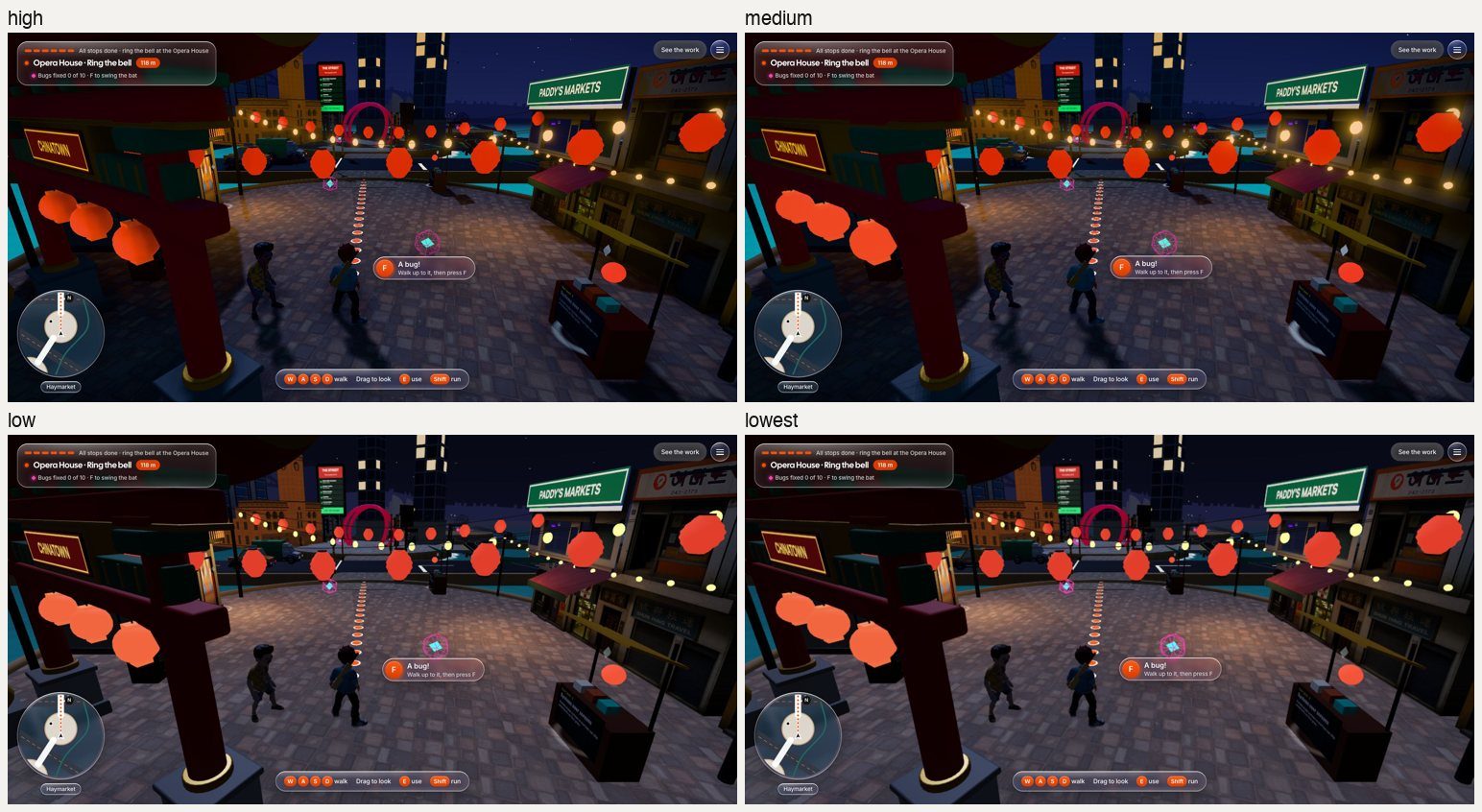
- Four quality levels: high, medium, low and lowest.
- The game reads the name of your graphics chip. Built-in laptop graphics start on medium, which looks almost the same as high.
- If three of any four seconds run under 48 frames a second, it drops one level. Screens deliberately capped at 30 are left alone.
- It never steps back up. Every change makes a visible hitch, and once is enough.
The numbers
Measured on the finished city at night:
| Level | Pixels drawn | Draw calls | Triangles | Graphics time* |
|---|---|---|---|---|
| High | 1.87 million | 566 | 908,000 | 8 to 14 ms |
| Medium | 1.19 million | 552 | 908,000 | 4.4 to 6.5 ms |
| Low | 1.19 million | 351 | 498,000 | 4.3 to 5.7 ms |
| Lowest | 0.67 million | 351 | 498,000 | 3.3 to 4.2 ms |
What I took from it
Test on what your audience has, not what you have. And when something is slow, measure before guessing: the expensive effects were real, but the bigger problem was a quiet bug that stopped the game from helping itself.
Next up is the city itself: merging the parts that never move and simplifying the heaviest models, so even the lowest level has room to spare.